
Turn travel recommendations into Google Maps
Send a screenshot or travel list to the bot. Get clickable Google Maps links back in seconds. Any language. Any city.
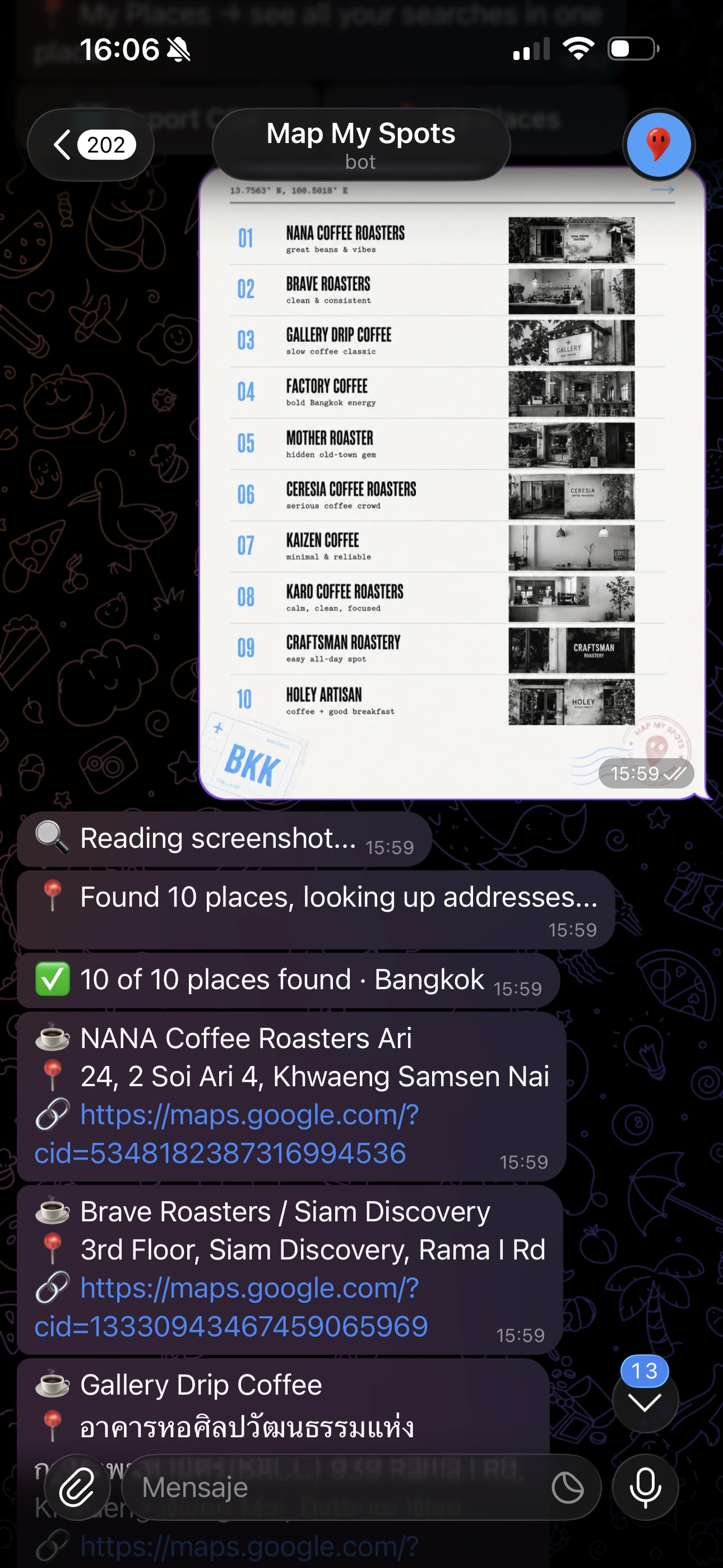
Try it with one screenshot.
Open the bot, send one travel screenshot, and see if it finds your spots. No card. No signup.
Try 3 Free Uses →3 free uses · $19 lifetime · no subscription
Screenshot → Google Maps
Save travel posts.
Not travel chaos.
Send one screenshot.
Get Google Maps links back in seconds.
Send a screenshot or text
Screenshot from Instagram, TikTok travel list, blog guide, forwarded message or plain text. Any language — Russian, English, Japanese, Chinese and more. Tested and working.
Bot finds places
MapMySpots reads the screenshot or text, extracts every place name and finds the verified Google Maps address for each one.
Open your map
Get clickable Google Maps links back instantly. Export all places to Google My Maps. Search your saved spots anytime by city.
Every input type.
Real results.
TikTok list, Instagram screenshot, copied text or forwarded message — the bot handles all of it.
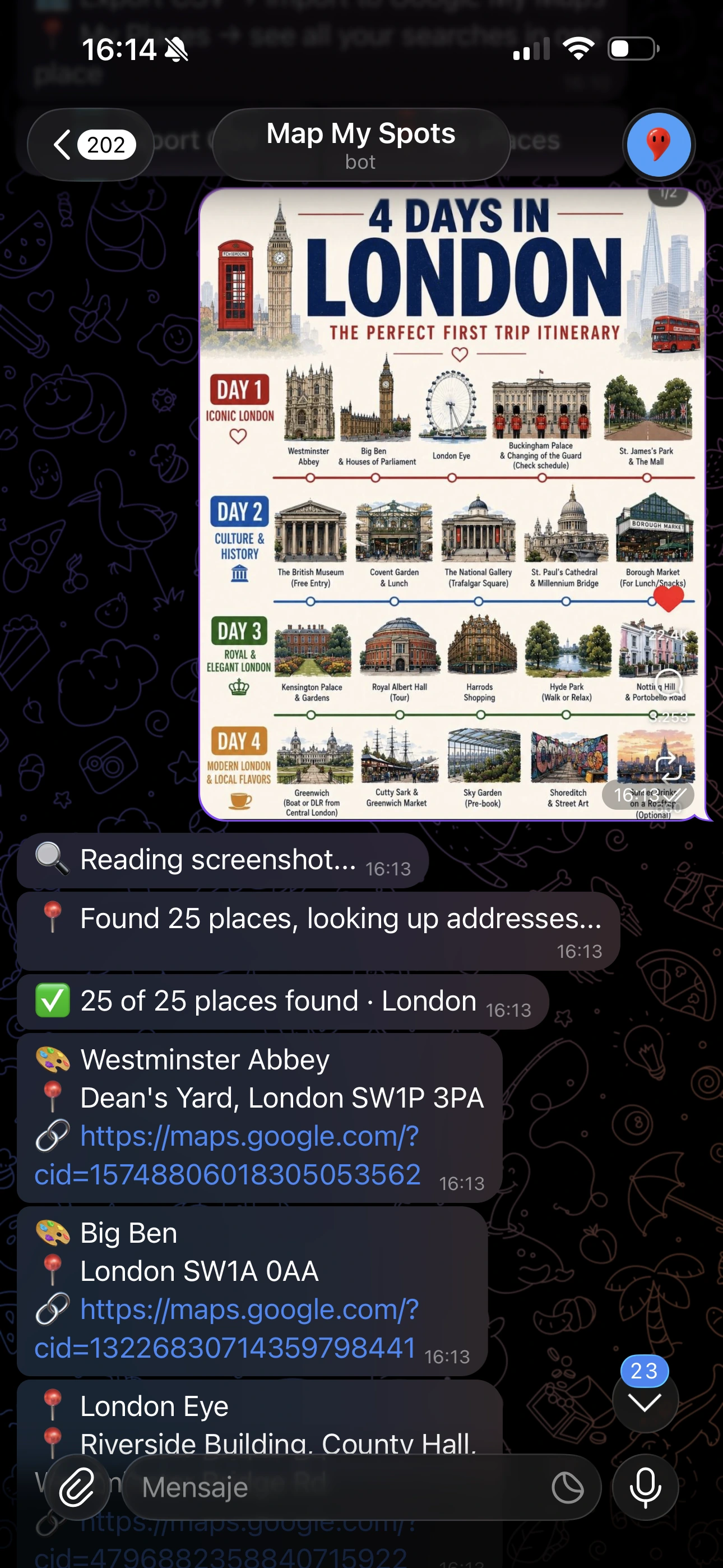
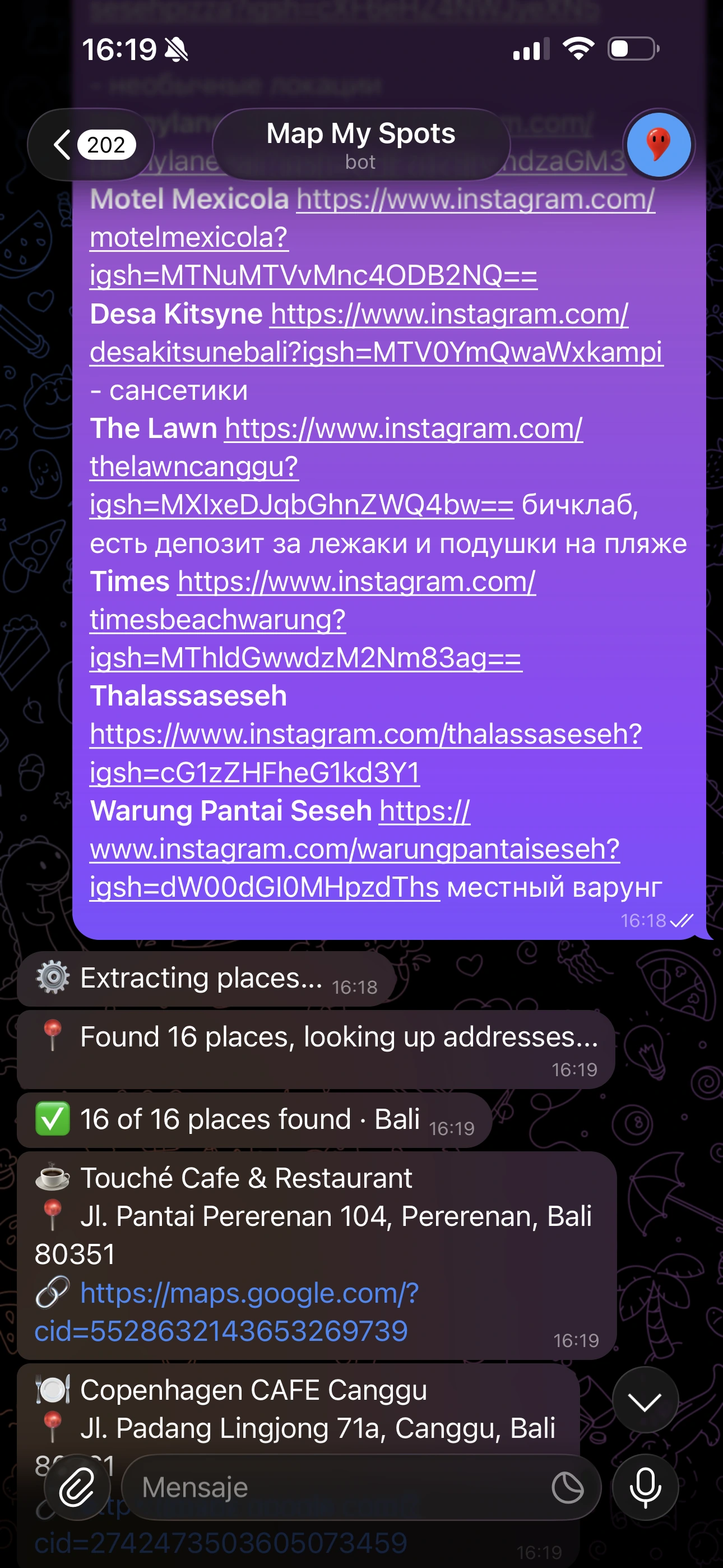
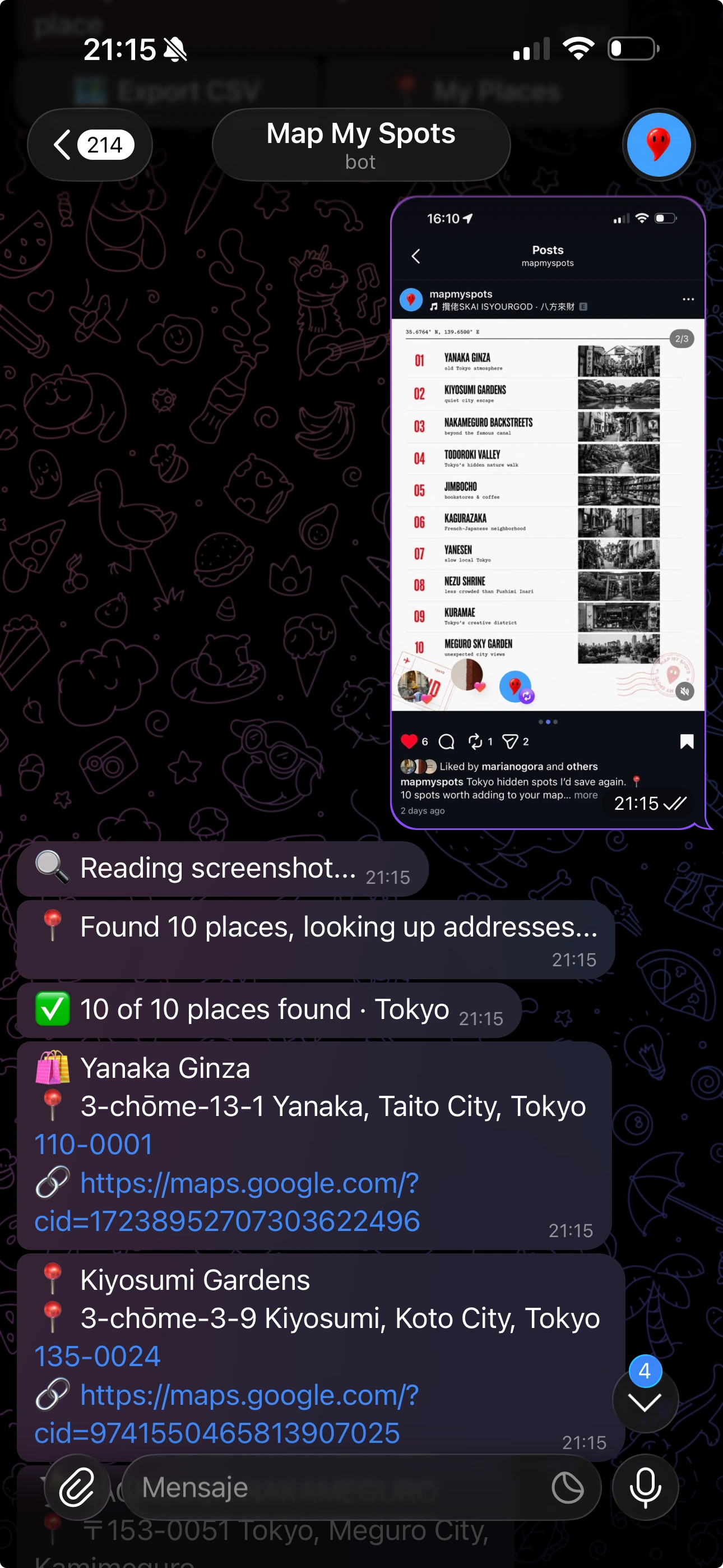
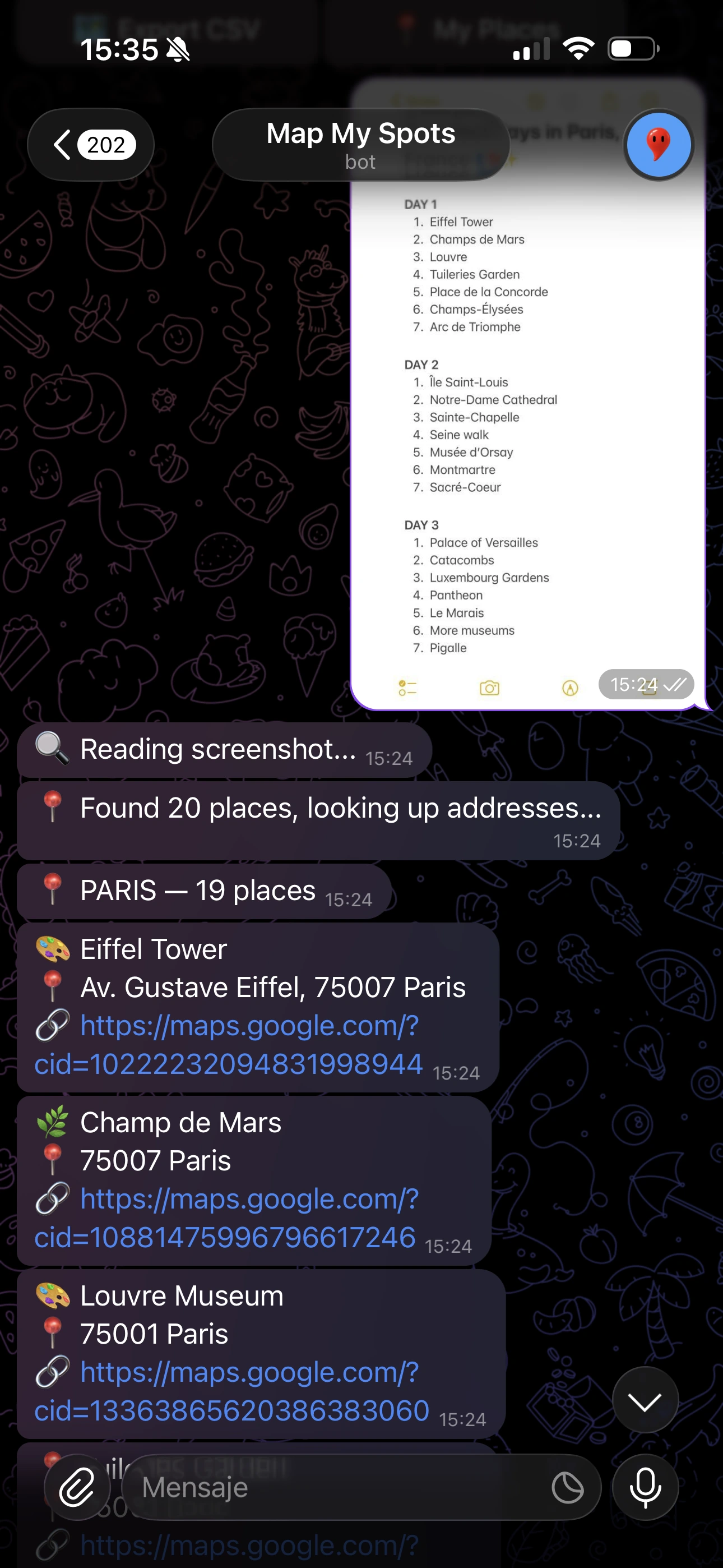
The result: your map
Every place pinned, clickable and shareable. Bangkok, Tokyo, Bali, Batumi, Beijing and beyond — ready to navigate.
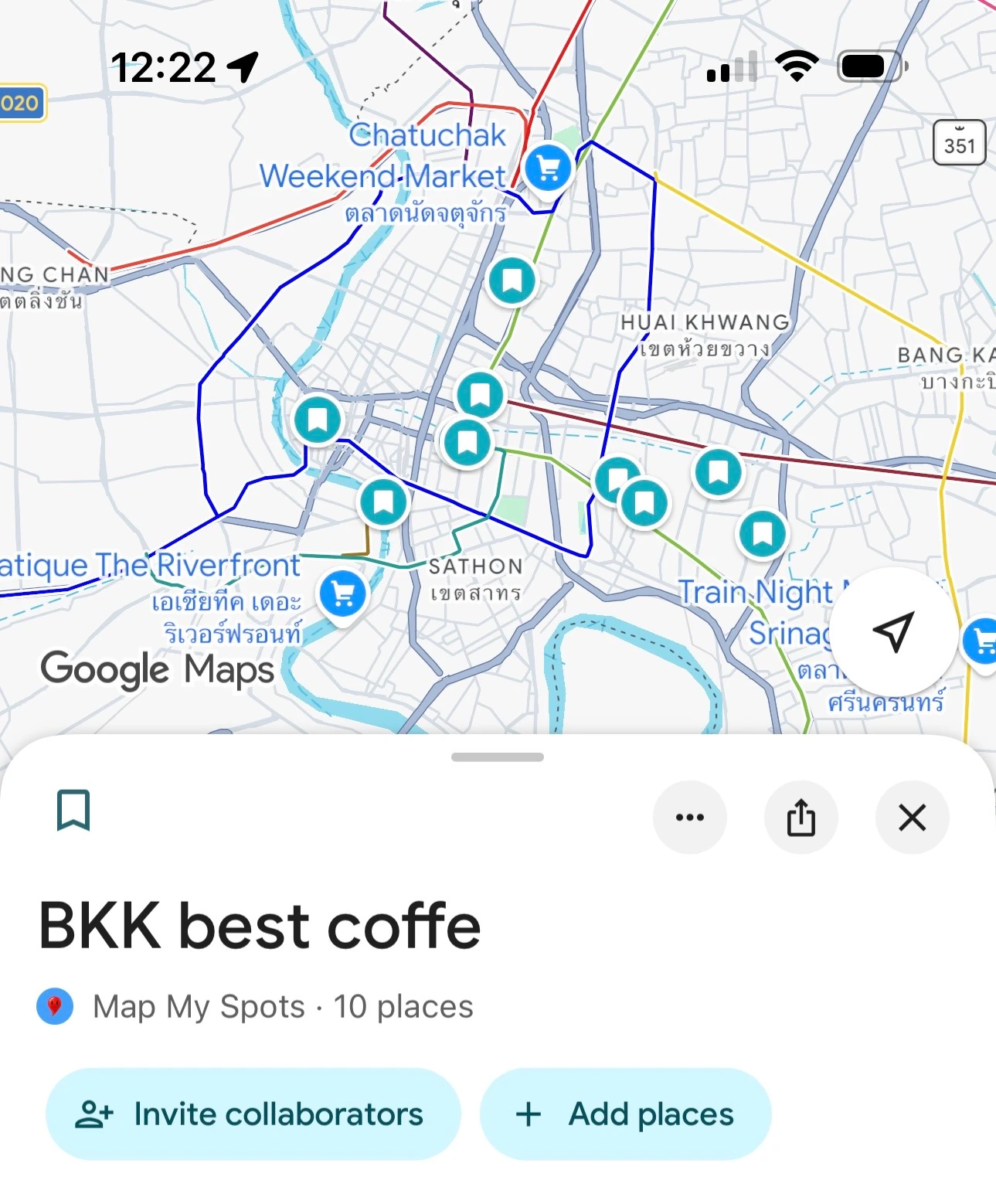
BKK best coffee
Map My Spots · 10 places
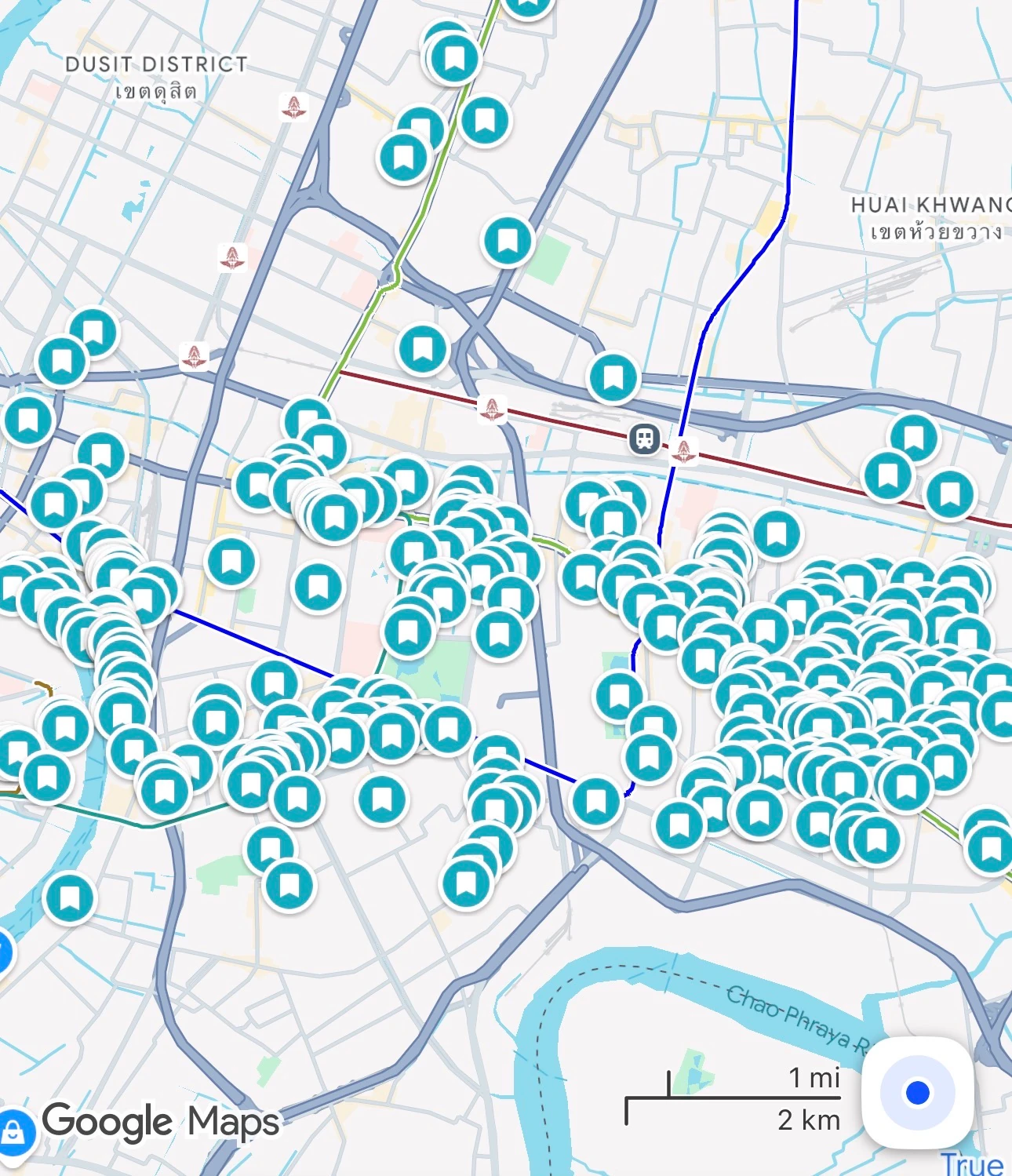
Bangkok full map
Every place from the guide
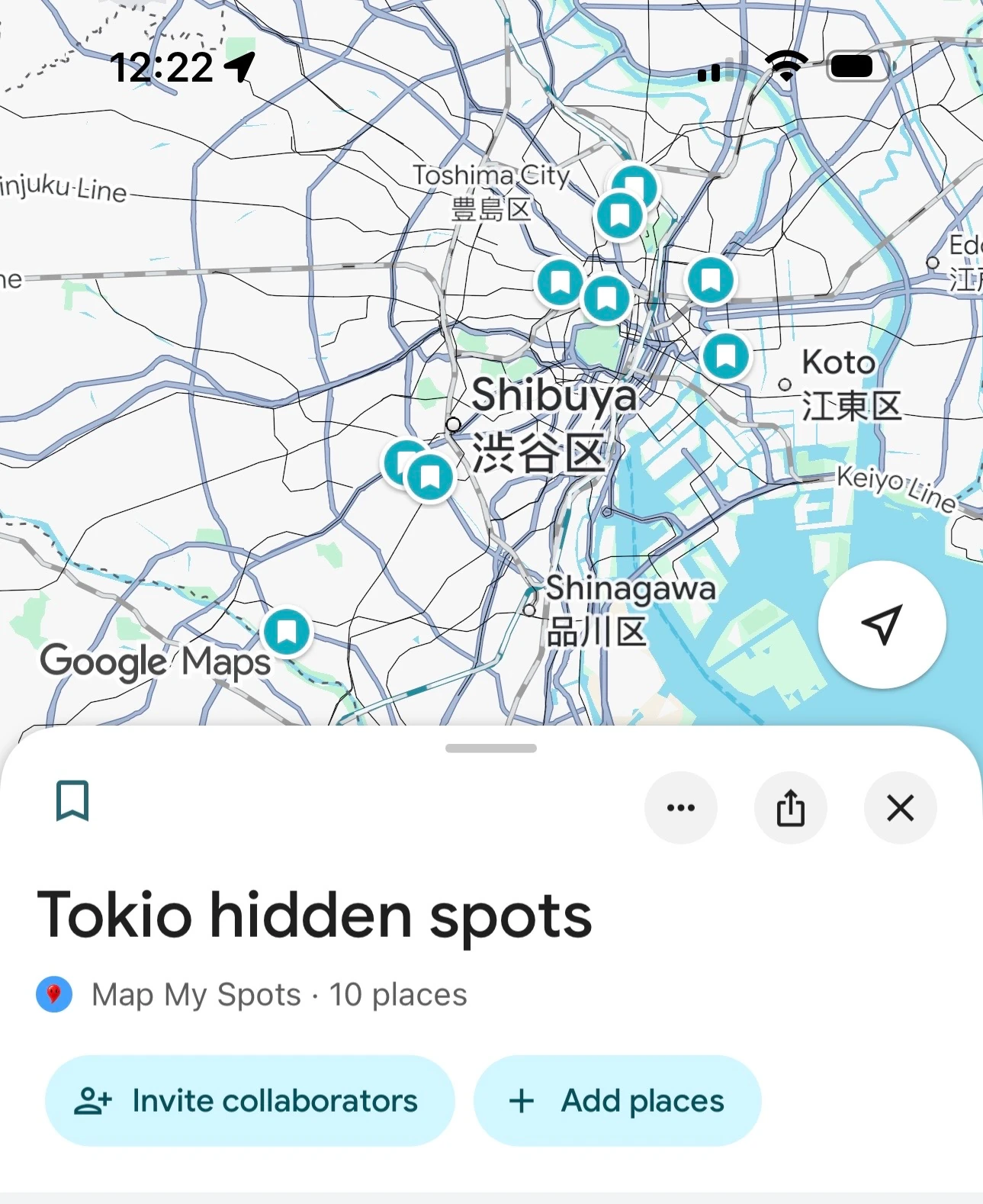
Tokyo hidden spots
Map My Spots · 10 places
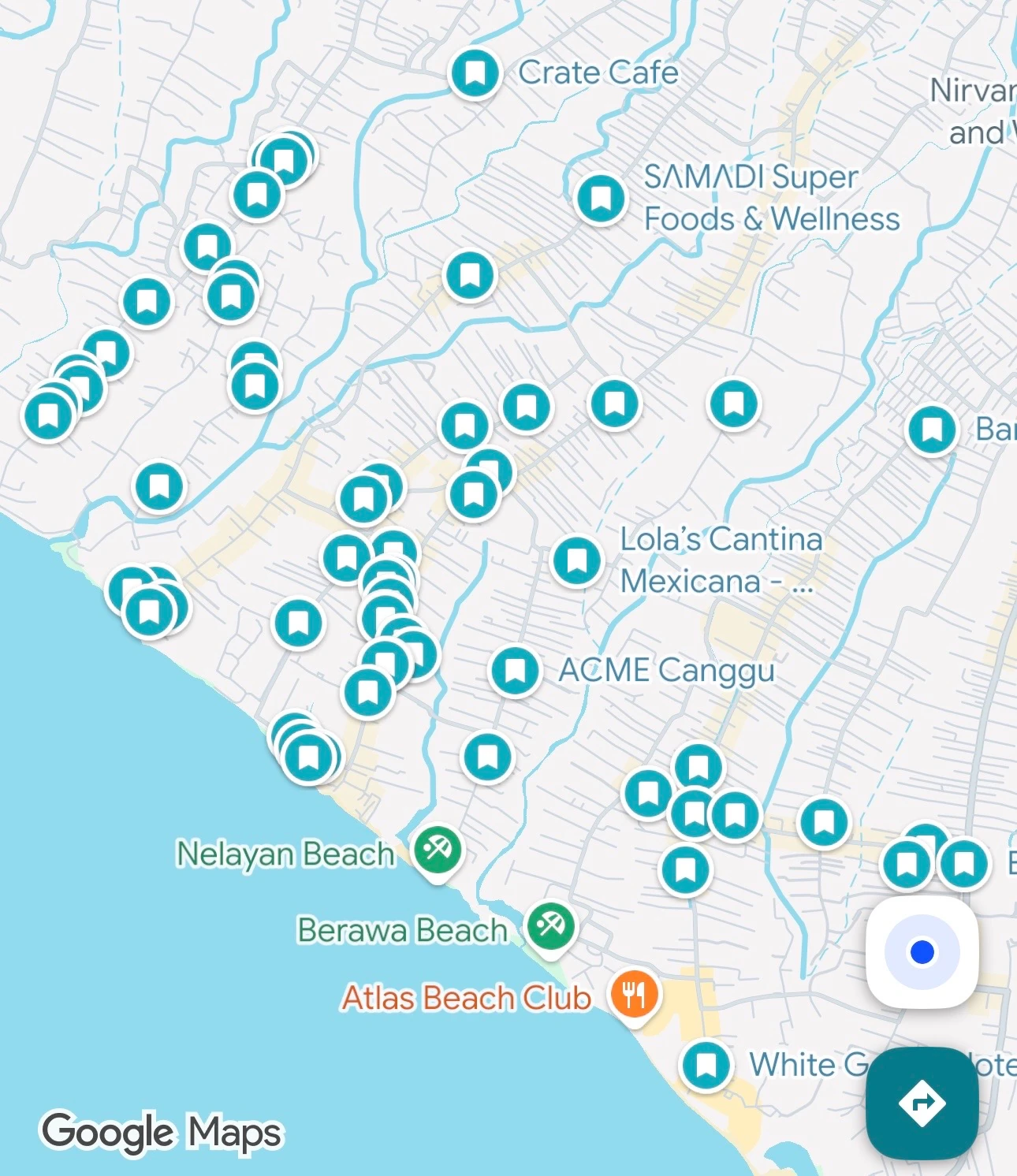
Canggu Full Map
All spots pinned on map
Works with travel chaos
If it has place names — MapMySpots maps it. Screenshot, copied text or travel list. No formatting needed.
What users say
Real reviews from real travellers — verified on Gumroad and Telegram.
"A real game changer. Fast, easy and genuinely useful. I wish this existed sooner."
"literally solved one of my biggest travel headaches 😭 i used to save hundreds of guides and never actually use them because organizing everything in google maps was a nightmare. now i just send a screenshot and everything is instantly searchable + usable. super simple. super addictive."
"Сейчас еду в отпуск в Грузию и знакомые советовали разные места — канатная дорога Арго, бульвар, дельфинарий, 19 мест всего. Бот нашел точки на карте, и я быстро добавила их в свой список к посещению. Очень удобно, спасибо большое! 🙏"
Stop collecting.
Start mapping.
One screenshot to the bot. Every place on your map — clickable, shareable, ready to navigate. No subscription ever.
lifetime access
- 3 free uses — no card required
- Screenshots + copied travel lists
- Google Maps links instantly
- /csv export → Google My Maps
- /myplaces — browse by city
- Any language · Any city
FAQ
What is MapMySpots?
A Telegram bot that turns travel recommendations into clickable Google Maps links.
What can I send to the bot?
Any screenshot or text that contains place names. Travel guides, TikTok lists, Instagram recommendations, notes, copied lists or forwarded messages. Just send a screenshot or paste the text.
Do I need to organize the places first?
No. No formatting needed. No need to extract places manually. MapMySpots finds and maps them for you.
What languages does it support?
Any language — Russian, English, Japanese, Chinese and more. Tested and working.
Can it read TikTok and Instagram?
Yes. Screenshot any travel content and send it to the bot.
Can I export places to Google My Maps?
Yes. Use /csv to export your places for Google My Maps.
Can I find places later by city?
Yes. Use /myplaces to browse saved places by city anytime.
How much does it cost?
3 free uses. Then $19 lifetime access. No subscription.
Travel recs in.
Google Maps out.
Open the bot. Send one screenshot,
travel list or forwarded message.
Your Google Map is ready in seconds.